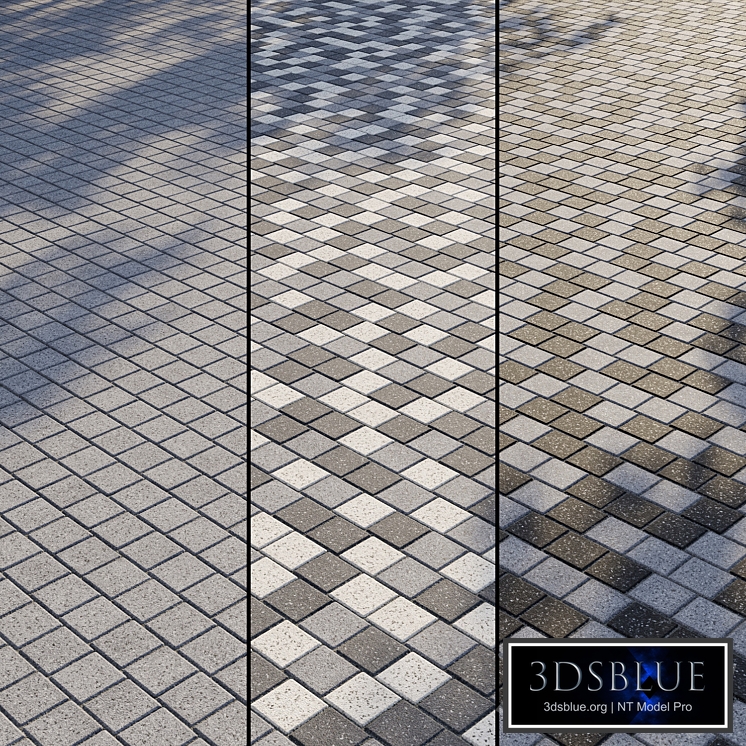
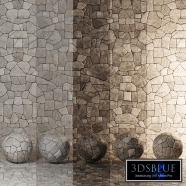
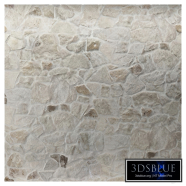
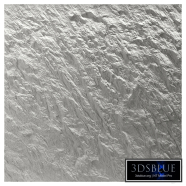
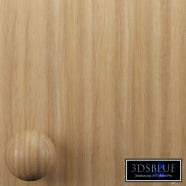
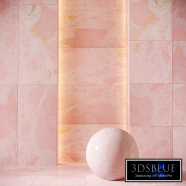
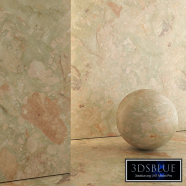
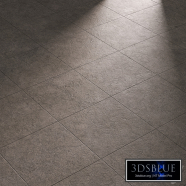
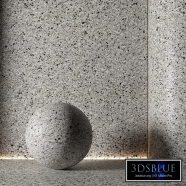
Granite paving slabs Type 15 Granite paving material in four colors Other formats: http://3dsky.org/collection/shared/5327226 The paving stone material allows you to quickly and conveniently turn on and off the desired color, including through masks, creating a two-color or three-color pattern. In the Diffuse slot, simply turn on and off the appropriate layers to get the color solution you need. A visual mini-instruction is attached to the archive. In the archive: Diffuse Black Diffuse Dark Gray Diffuse Gray Diffuse White Reflect Gloss Normal Bump Displace Mask Mask Pattern 1 Mask Pattern 2 Mask Pattern 3 V-Ray Materials Library Corona Materials Library Max V-Ray file Max Corona file OBJ file Instruction Readme Texture size: 6000 by 6000 px Real size: 6000 by 6000 mm Tile Size: 100 x 100 mm The Diffuse slot has a standard Composite card, which includes all 4 colors (Black, Dark Gray, Gray, White) and 3 pattern masks (Mask Pattern 1, Mask Pattern 2, Mask Pattern 3). This way you can simply turn on the desired tile color or create a pattern. Gray (Layer 1) color is enabled by default. You can turn on the colors White (Layer 2), Dark Gray (Layer 3) or Black (Layer 4). You can enable a mask (Mask Pattern 1, Mask Pattern 2 or Mask Pattern 3) to the desired layer to get the pattern. You can combine colors and masks in any combination by switching, replacing or dragging them. You can draw in a graphic editor and apply your pattern masks using the Mask texture. You can edit the tile separately from the seams using the Mask texture. In the archive you will find a visual diagram of working with the Composite map, which indicates where the on/off buttons for layers and masks are located. Street granite paving stones are a collective image and represent an analogue of such manufacturers as Gothic, Choice, Atlant, Farbstein, Braer, Steingot, etc. Granite paving material is suitable for sidewalks, parking lots, paths, playgrounds, etc. The textures are seamless, the tiling is not noticeable even in large areas. All textures, maps and materials have logical names in English. Texture paths have been deleted. The Displacement slot is turned off – turn it on if necessary, while not forgetting to turn off Normal. All my materials (of the same type) are unified with each other - you can replace or supplement one material with another, being sure that the color and texture will exactly match. You can find other paving and materials for the exterior in my profile: https://3dsky.org/users/maltsev_stepan/models If you have any difficulties, write in private messages, I will be glad to help you! ATTENTION! There is no tile geometry in the archive: You purchase a set of textures and customized materials. In the files .max is a simple Plane, with material superimposed on it. Multicolored masonry is obtained by applying additional colors through masks in the Composite card in the Diffuse slot. If you work in a V-Ray version lower than 3.1, be careful, in the materials in the BRDF section there is a Microfaset GTR (GGX), if your version is older than 3.1, then the BRDF field will be empty. Choose Blinn, Phong or Ward – which is preferable for you. For Corona Render, it is recommended to install a version at least 1.5, since the Glossiness of the materials is configured with PBR in mind. Creative success!